
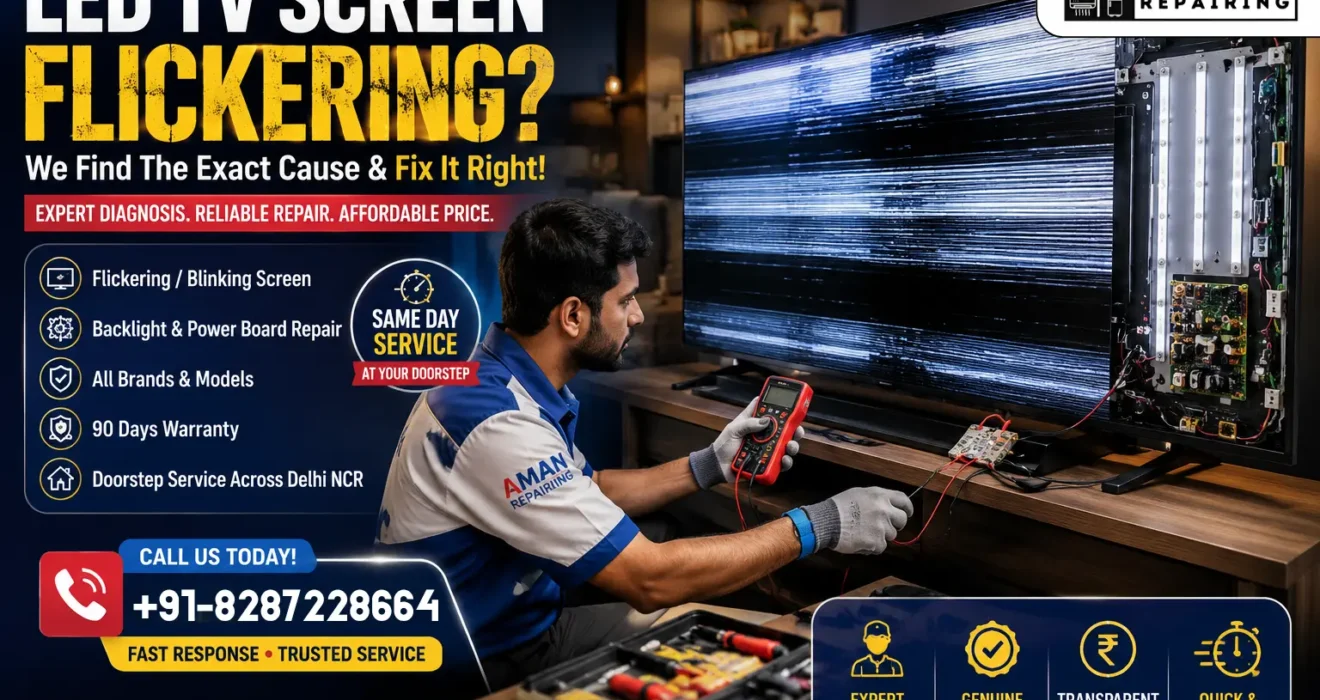
Why Is My LED TV Screen Flickering? Causes & Repair Cost
Quick Answer: LED TV screen flickering is usually caused by a loose HDMI or power cable, an outdated firmware version, a failing backlight driver, or a weak power supply board. Start by power cycling your TV for 60 seconds and checking every cable connection — this alone fixes over half of all flickering complaints. If the flicker continues, use the 10-second pattern test below to know exactly which part is failing before you spend a single rupee on repair.
You are in the middle your favorite show, and suddenly the screen starts blinking, pulsing, or flashing for no reason. A flickering TV screen is one of the most common — and most misunderstood — TV problems. Some people assume the panel is dead and start shopping for a new television. In reality, most flickering issues are cheap, quick, and fixable at home in under 10 minutes.
Aman Repairing explains every possible reason your LED TV screen is flickering, how to diagnose the exact cause using a simple pattern test, and what it actually costs to repair — whether you fix it yourself or call a professional.
Step 1: Identify Your Exact Flicker Pattern First
Step 1: Identify Your Exact Flicker Pattern First
Not all flickering looks the same, and the pattern tells you almost everything about the cause. Use this table to jump straight to your fix.
| What Is Your Screen Doing? | Most Likely Cause | Go To Fix |
|---|---|---|
| Screen flickers only on certain channels or apps | Weak signal or app-level bug | Fix 1, Fix 6 |
| Whole screen pulses/dims rhythmically, brightness changes | Backlight driver or power board fault | Fix 5, Fix 8 |
| Flickers, then goes fully black, then comes back | Loose cable or failing backlight strip | Fix 2, Fix 5 |
| Flickers only during fast action, sports, or gaming | Refresh rate or motion setting issue | Fix 3 |
| Random horizontal or vertical flashing lines | T-Con board or ribbon cable fault | Fix 8 |
| Flicker started right after a software update | Corrupted firmware | Fix 4 |
| Flicker gets worse when the TV heats up (after 30+ min) | Failing capacitors on power board | Fix 5, Fix 8 |
| Screen flickers only when another appliance switches on | Voltage fluctuation / poor earthing | Fix 7 |

Why Does an LED TV Screen Flicker? (9 Real Causes)
An LED TV builds its picture using a backlight, a display panel, and a processor that constantly sends timing signals between the two. Flickering happens whenever any part of that chain briefly loses sync — from something as small as a loose cable to something as serious as a dying power board. Here are the most common causes, in order of how often we see them.
1. Loose or Damaged HDMI/AV Cables — The #1 Cause
A cable that isn’t fully installed, or one with worn-out pins, breaks the signal for a fraction of a second at a time — which shows up as flicker rather than a full blackout. This is by far the most common reason for LED TV screen flickering, and it costs nothing to fix.
2. Weak or Unstable Broadcast/Streaming Signal
If you use a set-top box, dish antenna, or a smart TV app over weak Wi-Fi, a dropping signal can cause the picture to flicker, freeze, or momentarily go blank. This is not a fault in the TV itself — it’s an incoming signal problem.
3. Outdated or Corrupted Firmware
Smart TVs run full operating systems. A pending update, or one that installed halfway and failed, can cause the display driver to misbehave — leading to random screen blinking that has nothing to do with hardware at all.
4. Failing LED Backlight Driver
Behind your screen sits a row of LED strips and a small driver circuit that powers them. When this driver starts to age or fail, it can no longer supply a steady current — so the backlight pulses on and off rapidly instead of staying lit. This is the most common hardware cause of LED TV screen flickering, especially in TVs older than 3–4 years.
5. App or Software-Level Bug
Sometimes the flicker only happens on one specific app (like a streaming app) and not on others, or only on one HDMI input. This points to a software conflict rather than a TV hardware fault — usually solved with an app update or a factory reset.
6. Voltage Fluctuation or Poor Earthing
In many Indian households, TVs share a circuit with high-load appliances like ACs, geysers, or motors. When these switch on, a brief voltage dip or spike can travel through the wiring and cause a visible flicker. This is extremely common during Delhi’s summer months when AC load on the grid spikes. Poor or missing earthing makes this worse.
7. Power Supply Board Failure
The power supply board converts mains AC into the multiple DC voltages your TV’s backlight and panel need. When capacitors on this board weaken (a very common fault in Delhi’s heat and voltage swings), the board can no longer deliver a steady voltage — causing rhythmic, pulsing flicker that often gets worse as the TV warms up. You may also notice a faint buzzing sound or a burnt smell near the vents.
8. T-Con Board or Ribbon Cable Fault
The T-Con (Timing Control) board tells the panel exactly when to refresh each row of pixels. A loose ribbon cable or a failing T-Con board can cause flickering combined with faint lines, banding, or partial-screen distortion. This is more common in TVs that were recently moved, transported, or wall-mounted.
9. Refresh Rate or Motion Setting Mismatch
Smart TVs run an operating system just like a phone. A failed update, corrupted OS file, or software conflict can cause the TV to boot up with sound but no picture on TV. The screen either stays black after boot, or freezes and goes blank. This is entirely a software problem and usually resolves with a factory reset.
How to Fix a Flickering LED TV Screen — 8 Steps
Work through these in order. Fixes 1–4 are completely free and take under 10 minutes combined. Most TV screen flickering complaints are solved by Fix 5 or earlier.
Fix 1: Power Cycle the TV — Always Start Here
- Turn the TV off using the physical power button on the TV itself, not the remote.
- Unplug the power cord from the wall socket completely.
- Wait a full 60 seconds — this lets internal capacitors fully discharge.
- Plug the TV back in and turn it on.
Why This Works: A full discharge clears temporary glitches in the display processor that commonly cause flicker after long usage or a power cut.
Fix 2: Inspect and Reseat Every Cable
- Unplug all cables from the back of the TV — HDMI, coaxial, AV, and power.
- Check each HDMI cable for bent pins or a loose locking clip.
- Blow gently into the ports to clear dust — a major cause of intermittent connection in Delhi households.
- Reconnect everything firmly until you feel or hear a click.
- Try a different HDMI cable if you have one — cheap cables fail more often than people expect.
Fix 3: Turn Off Motion Smoothing and Eco Settings
- Go to Settings > Picture Settings.
- Turn off Motion Smoothing / Motion Interpolation / TruMotion (name varies by brand).
- Turn off Eco Mode, Ambient Light Sensor, and Auto Brightness.
- Set Backlight/Brightness manually to around 60–70% and observe if flicker reduces.
Fix 4: Update or Reset the Firmware
- Samsung: Settings > Support > Software Update > Update Now.
- LG: Settings > All Settings > General > About This TV > Check for Updates.
- Sony: Settings > Device Preferences > About > System Update.
- Mi/Android TV: Settings > Device Preferences > About > System Update.
Fix 5: Run the 10-Second Pattern Test
This test tells you within seconds whether the fault is a signal issue or a hardware fault
- Switch the TV to a blank menu screen (not a live channel or app).
- Watch closely for 10 seconds.
- If the menu screen also flickers: the problem is inside the TV — likely the backlight driver, power board, or T-Con board. Go to Fix 8.
- If the menu screen is perfectly stable: the flicker is coming from your signal source (cable box, streaming stick, or broadcast signal), not the TV itself. Go to Fix 6.
Fix 6: Isolate the Source Device
- Connect a different device (laptop, phone via HDMI, or another streaming stick) to the same HDMI port.
- If the new device shows a stable picture, your original set-top box or streaming device is the problem — not the TV.
- If the flicker continues on every device, the issue is confirmed to be inside the television.
Fix 7: Fix Voltage and Earthing Issues
- Plug the TV into a dedicated wall socket, not a shared extension board with high-load appliances.
- Add a good-quality voltage stabilizer, especially if you live in an area with frequent voltage swings.
- Check that your home wiring has proper earthing — a qualified electrician can test this in minutes.
- Note whether flicker happens specifically when the AC, fridge, or motor switches on — this confirms a voltage-related cause.
Fix 8: Replace the Backlight Driver, Power Board, or T-Con Board
If the pattern test in Fix 5 confirmed an internal fault, one of three components is responsible:
- Backlight driver or LED strips — steady rhythmic flicker, gets worse with time.
- Power supply board — flicker that worsens as the TV heats up, sometimes with a faint buzz.
- T-Con board — flicker combined with lines, banding, or part of the screen not updating.
This is a component-level repair that requires opening the back panel, testing voltages with a multimeter, and replacing the exact faulty part. This is where we strongly recommend calling a professional technician — working inside a TV chassis involves capacitors that can hold a dangerous electric charge even when unplugged, and using the wrong replacement part can damage the panel permanently.
Flickering With Sound Working Fine? Here's What It Means
If your TV flickers but the sound plays perfectly, it confirms the TV’s main processor and audio path are healthy — the fault is isolated to the display pipeline (backlight, power board, or T-Con). This is actually good news: it usually means a cheaper, faster repair than a full main board replacement. If flickering later turns into a complete black screen with sound still working, read our detailed guide on LED TV no picture but sound for the next steps.
Repair Cost Guide: What Does It Cost to Fix a Flickering LED TV?
Here is a realistic cost breakdown based on the most common causes of flickering, so you know what to expect before calling a technician.
| Cause | Typical Part Cost (INR) | Labor Cost | DIY Possible? | Worth Repairing? |
|---|---|---|---|---|
| Loose/damaged HDMI cable | ₹250 – ₹600 | ₹150 | Yes, very easy | Yes |
| Signal/firmware issue | ₹0 (free fix) | ₹150 | Yes | Yes |
| Backlight driver / LED strips | ₹1,800 – ₹3,500 | ₹150 | Not recommended | Yes |
| Power supply board | ₹1,500 – ₹2,500 | ₹150 | Not recommended | Yes |
| T-Con board | ₹3,000 – ₹4,000 | ₹150 | No, expert needed | Yes |
| Voltage/earthing fix (electrician) | ₹500 – ₹1,500 | Included | No | Yes |
Costs vary by TV brand, screen size, and part availability. These figures reflect typical Delhi NCR pricing as of 2026. For a complete breakdown across every TV fault, see our full TV repair cost by problem guide.
Brand-Specific Flickering Fixes
Samsung TV Flickering
- Turn off Eco Sensor: Settings > General > Eco Solution > Eco Sensor > Off.
- Disable Motion Lighting and Auto Motion Plus under Picture Settings.
- Count the power LED blink pattern if the flicker happens even with the screen off — Samsung’s support site lists blink codes tied to specific board faults.
LG TV Flickering
- Turn off TruMotion: Settings > Picture > Picture Mode Settings > TruMotion > Off.
- Try a webOS factory reset: Settings > All Settings > General > Reset to Initial Settings.
- For OLED models, persistent flicker in one area can sometimes indicate early burn-in — worth a professional check.
Sony TV Flickering
- Disable Motionflow: Settings > Picture > Motionflow > Off.
- Check HDMI Signal Format: Settings > External Inputs > HDMI Signal Format > toggle between Standard and Enhanced.
- Bravia TVs also blink an internal LED in a specific pattern to indicate board faults — check your manual for the code chart.
Mi, Xiaomi, and OnePlus TV Flickering
- Update the Android system via Play Store: Home > Apps > Play Store > My Apps.
- Reset picture settings to default under Settings > Display.
- Use a voltage stabilizer — budget Android TVs are more sensitive to power fluctuations common in Indian households.
Frequently Asked Questions (FAQ)
Sudden flickering is most often caused by a loose cable, a recent software update that didn't complete properly, or a voltage fluctuation from the power supply. Start with a power cycle and cable check — these two steps resolve the majority of sudden flickering cases within minutes.
It is not dangerous to watch in the short term, but ignoring flicker caused by a failing power board can lead to further internal damage over time, and in rare cases increases fire risk from overheating components. If flicker is accompanied by a burning smell or buzzing sound, unplug the TV immediately and call a technician.
Yes, in almost every case. Cable, signal, and settings-related flickering cost nothing to fix. Even hardware causes like a failing backlight or power board typically cost between ₹1,500 and ₹4,000 to repair — far cheaper than buying a new television.
This points to a voltage fluctuation or poor earthing in your home wiring, not a TV fault. When high-load appliances switch on, they can briefly dip or spike the voltage on a shared circuit. Using a dedicated socket and a good voltage stabilizer usually resolves this completely.
It depends on the cause. Cable and settings fixes are free. Backlight and power board repairs typically cost ₹1,500–₹3,500 including labor. T-Con board replacement runs slightly higher, around ₹3,000–₹4,000. See the full cost table above for a complete breakdown.
This is a progression of the same fault — usually a failing backlight or power board that is close to complete failure. It's worth getting it checked before it stops working entirely, since catching it early often means a cheaper repair.
Conclusion: Don't Panic, Diagnose First
A flickering LED TV screen rarely means you need a new television. In most cases, the fix is either completely free (cable check, settings, power cycle) or costs under ₹4,000 for a backlight, power board, or T-Con board replacement. The 10-second pattern test in Fix 5 is the single most useful tool for knowing exactly what you’re dealing with before you spend any money.
If you’ve worked through the free fixes and the flicker persists, it’s a sign of an internal hardware fault that’s best left to a trained technician — especially since power boards carry a real electric shock risk even when unplugged.
Aman Repairing offers same-day doorstep LED TV repair in Delhi for exactly these issues — backlight failures, power board faults, T-Con problems, and voltage-related damage — with genuine parts, transparent pricing, and a 90-day warranty on every repair.